Chromebook Buyers Guide
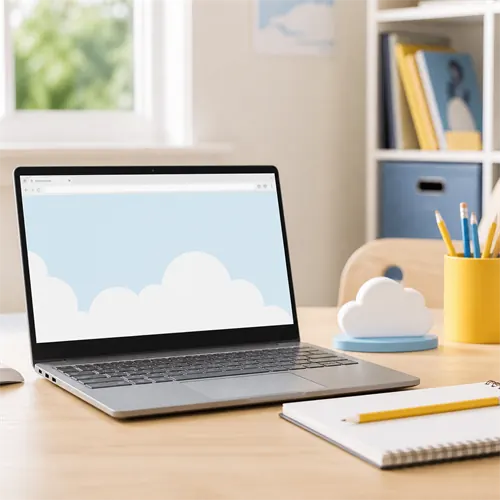
Chromebooks are laptops that run ChromeOS rather than Windows or macOS. They are built around the web, Google services, simple updates, and lower-maintenance everyday use.
When a Chromebook makes sense
A Chromebook can be a good choice for web browsing, email, Google Docs, Google Classroom, streaming, video calls, online shopping, social media, and light school work.
They are often simpler than Windows laptops. Updates are handled automatically, and ChromeOS is less likely to suffer from the clutter and old software problems that affect some Windows machines.
Android and Linux apps
Many Chromebooks can run Android apps from Google Play. Google says ChromeOS devices launched in or after 2019 generally support Android apps unless specified otherwise. This can be useful for streaming apps, mobile tools, note-taking apps, and some games, but Android app quality on a laptop screen varies.
Chromebooks can also offer a Linux development environment. Google describes Linux on ChromeOS as a way to run command-line tools, code editors, integrated development environments (IDEs), and some graphical Linux apps in a container. This can be useful for coding students and web developers.
There are cautions. Linux is off by default, not all hardware/device access is supported, and work or school administrators may disable it. Android and Linux support should be treated as useful extras, not a guarantee that a Chromebook can replace a Windows laptop for every task.
The update date matters
Chromebooks do not receive automatic updates forever. Google says current ChromeOS devices receive 10 years of automatic updates, but buyers should still check the update schedule for the exact model.
This is especially important for cheap, used, renewed, or clearance Chromebooks. A Chromebook with little update life left may look like a bargain but be poor value.
Limits to understand
Chromebooks are not normal Windows laptops. They do not run ordinary Windows desktop software. They are not ideal for Windows games, specialist work tools, some printers/scanners, or software that must be installed locally on Windows.
Storage is often smaller because many Chromebook users work in the cloud. That can be fine, but buyers who keep lots of local files, photos, or offline media should check storage carefully.
Chromebook, Chromebook Plus, or Windows?
A basic Chromebook is best for simple web-first use. Chromebook Plus models usually have better minimum specifications and are better suited to heavier everyday use.
Choose Windows instead if the buyer needs Windows software, broader game support, specialist accessories, or a more flexible local-computing setup.
Buying checklist
Check:
- Automatic update expiry date.
- Memory and storage.
- Screen resolution and brightness.
- Keyboard and webcam quality.
- Whether Android apps are supported on the exact model.
- Whether Linux is available and allowed by the school or workplace.
- Whether school or work systems support ChromeOS.
- Whether required printers and accessories work with ChromeOS.
For the right buyer, a Chromebook can be refreshingly simple. For the wrong buyer, it can be frustrating because it is not Windows.