Snapdragon Laptop Guide
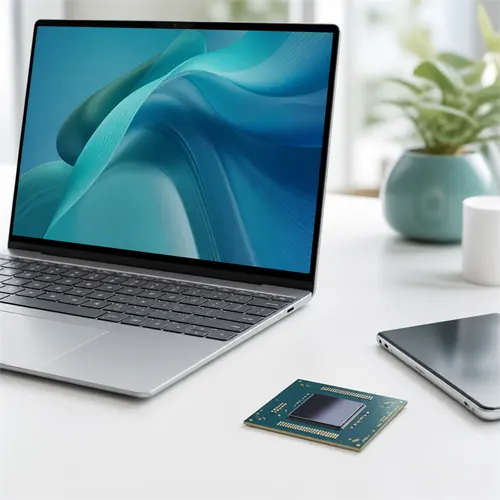
Snapdragon laptops are Windows laptops based on Qualcomm Arm processors rather than ordinary Intel or AMD x86 processors. They can be excellent for the right buyer, but they need slightly different buying advice.
Why Snapdragon laptops are interesting
Snapdragon X laptops are designed around efficiency, battery life, connected standby, and modern AI features. Many models are thin, quiet, and light, while still feeling responsive for everyday work.
They can be a good fit for web browsing, Microsoft 365, email, streaming, video calls, writing, online study, travel, and cloud-based work.
The software question
The most important detail is app compatibility.
Native Arm64 apps should give the best performance and battery life. Many major apps now have Arm-native versions, including Microsoft 365 apps and several popular browsers and communication tools.
Traditional x86/x64 Windows desktop apps, often called Win32 apps, normally run through Microsoft's Prism emulation layer rather than natively. Prism in Windows 11 24H2 is designed to improve emulated performance compared with earlier Windows on Arm devices, but emulation still has overhead.
Emulation does not support kernel-mode drivers. That means some older printers, scanners, VPN tools, security software, hardware utilities, games, and specialist devices can be more troublesome than normal apps.
Who should consider Snapdragon?
Snapdragon laptops should suit buyers who mostly use:
- Browser-based tools.
- Microsoft Office / Microsoft 365.
- Email and messaging.
- Video calls.
- Streaming and media.
- Cloud storage.
- Modern apps with Arm support.
They are less ideal for buyers who depend on old Windows software, specialist hardware, older games, anti-cheat-heavy games, local drivers, or work tools that have not been checked on Windows on Arm.
Buying checklist
Before buying a Snapdragon laptop, check:
- Are the important apps Arm-native, web-based, or known to work well under emulation?
- Are any printers, scanners, VPNs, or specialist devices required?
- Is 16 GB RAM enough for the laptop's working life?
- Is the storage capacity enough?
- Is the return policy clear?
Snapdragon is not bad or risky by default. It is simply a different Windows platform, and the right buyer should understand that before ordering.